Getting started
The tutorial is a short practice and then a goblin fight. Prop your phone up, step back until your whole body is in frame, and squat the goblin to death.
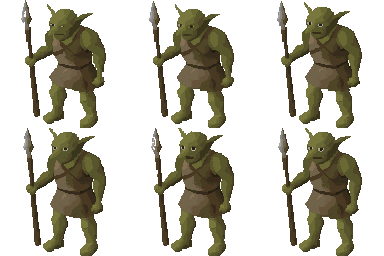 The tutorial goblin
The five tabs
| Tab | What it's for |
|---|---|
| Home | Your character, your starting quests, gathering, and your streak at a glance. |
| Train | Fight adversaries, take raid contracts, or train an exercise on its own. Every rep counts either way. |
| Market | The shops: sell what you gather and craft, buy shields and supplies, and change your look. |
| Clan | Your clan's feed, daily goal and group boss fights. |
| Profile | Your skills, hiscores, personal bests and settings. |
How rep counting works
GymScape watches your form through the camera using on-device pose detection: nothing is uploaded and nobody reviews footage. A rep only counts when the movement is real: full range of motion, honest posture. Half squats and push-ups that stop short get you nothing, which is exactly why the numbers on your character mean something.
Starting quests
A short trail of quests walks you through the game: kill five chickens, sign your first raid contract, collect sticks and stones, craft a stone pickaxe, mine copper, and on through leather, bows, arrows and your first bronze sword. Every quest is optional and can be skipped.
Streaks
A day counts toward your streak once you earn 100 XP from camera exercises or walk 100 steps. Members get a Streak Freeze each month for the day life gets in the way.
Locked apps
This one is optional. Choose apps to lock and GymScape shields them at the system level until you pay with time earned from training. Plenty of players skip it and just play the game.